Your 500 saved places deserve better than a graveyard.
Google Maps saves pile up: pins with no notes you remember writing, want-to-go lists nobody sees, no way to hand a friend "my favorites." FavCircles imports your whole Takeout export in one tap and puts it on a map your friends can actually see and follow.
From Takeout to your new map
1. Export your saved places from Google
- Go to takeout.google.com and sign in.
- Click Deselect all, then select only Saved.
- Create the export and download the zip when Google emails you the link.
2. Import into FavCircles
- In FavCircles, go to Settings → Data → Import Places.
- Pick your Takeout file.
- Done. Everything lands in one circle on your map, and your Google lists — "Want to go," "Favorites" — become filterable tags.
Places you've already saved are skipped automatically, so re-importing is safe. Places without coordinates in the export are located automatically after import — their pins appear as you use the app.
A real import, in real time
An actual 641-place Google Takeout export going in — sped up only where it waits. No staging, no mockups.
▶ Watch: the import, start to finish
A narrated walkthrough of exporting your saved places and pulling them into FavCircles.
A Map Friends Can See
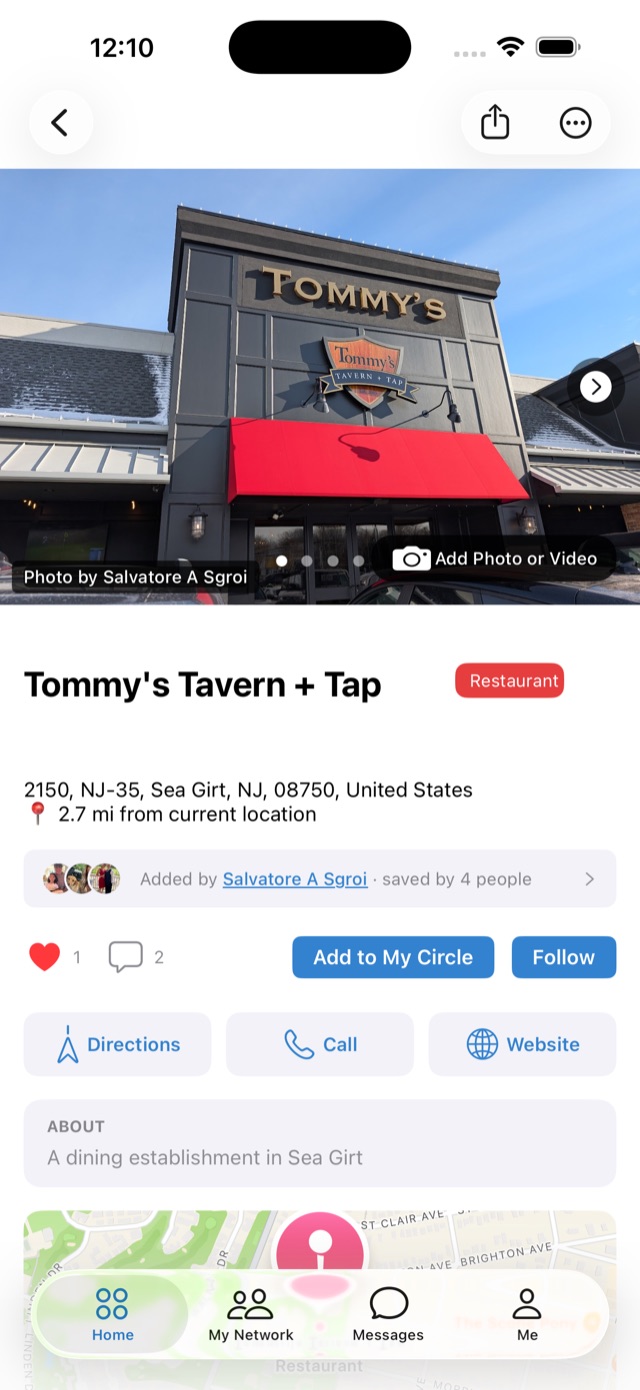
Your saved places stop being a private pile of pins — friends can see your finds, follow your places, and recommend theirs back.
Circles You Can Share
Turn lists into circles — "Date Night," "Best Coffee" — and share them with your network or keep them private. Your call, per circle.
Rewards at Local Shops
Earn points and rewards at participating local shops for saving, sharing, and showing up — your favorites can pay you back.
Import is free
No fee, no place limit on import, no lock-in. Download the app, bring your Takeout zip, and your saved places are alive again in minutes.
Also switching from… Mapstr · Swarm / Foursquare